Square colours are the base of calculation
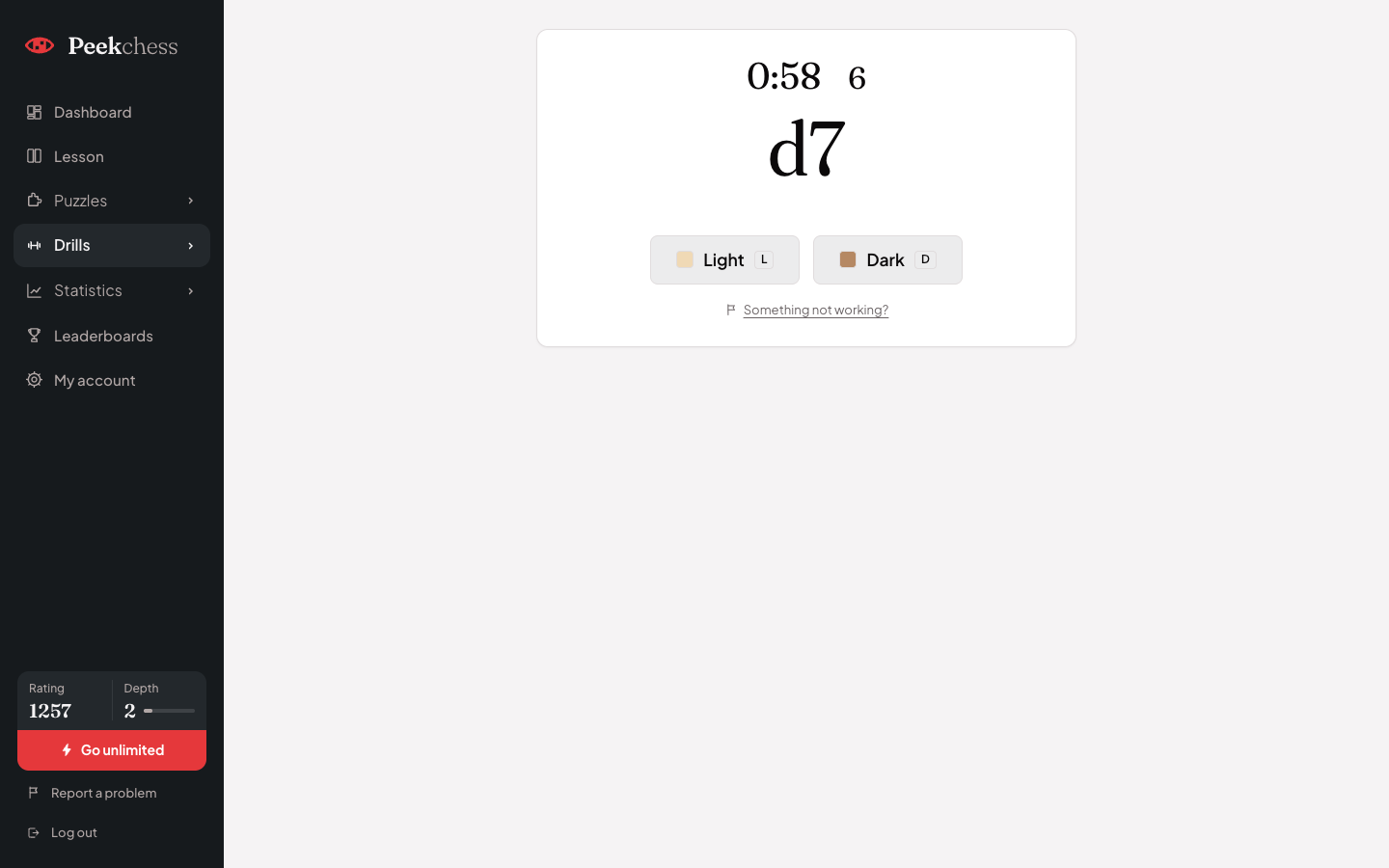
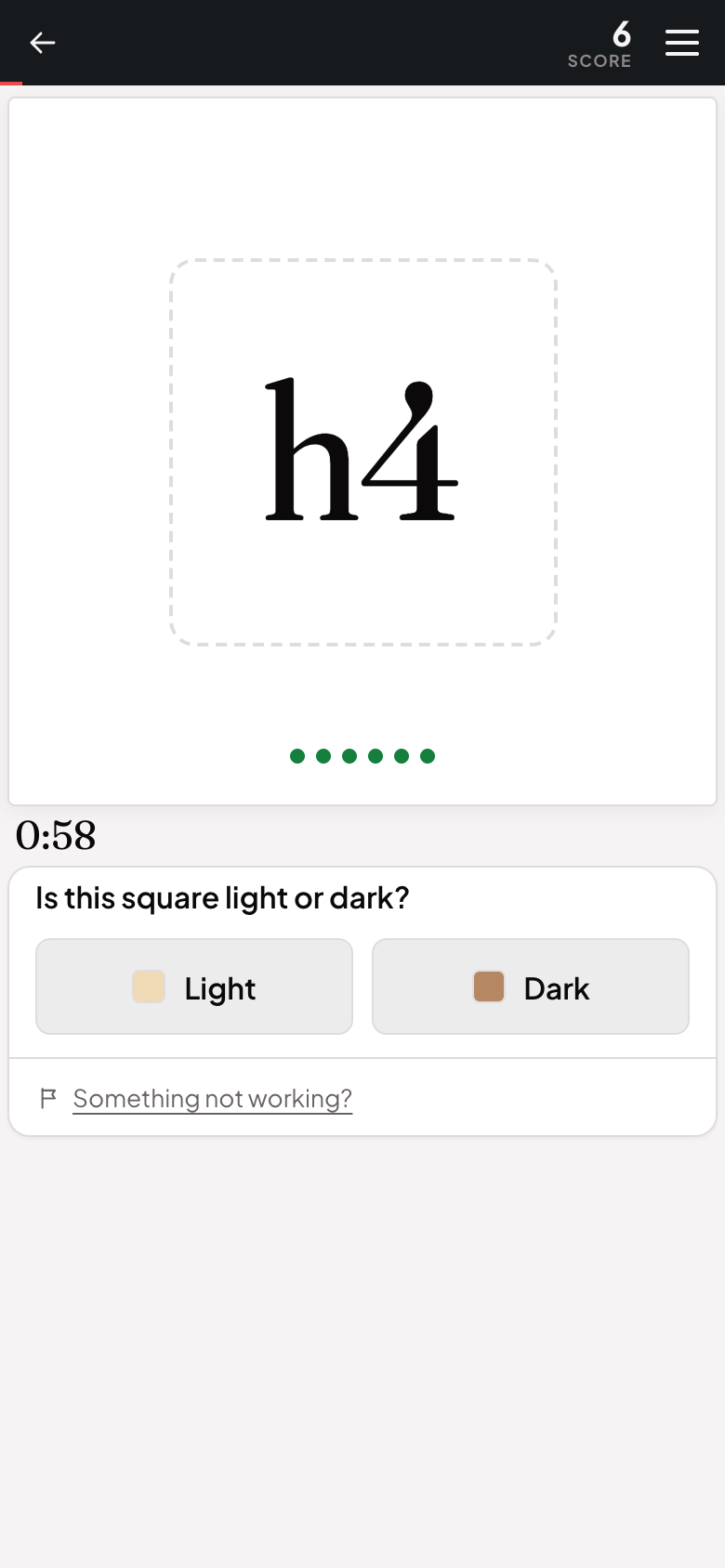
Light or dark, with no board. It is the first step in picturing the board for chess calculation.
How does Square colours help you calculate?
- 1
A square is named
No board on screen.
- 2
Light or dark?
Answer from the name, the way you picture squares when you calculate.
- 3
Keep going
As many as you can in time.
What part of calculation does Square colours train?
Square colours trains you to know a square’s colour from its name. A bishop only ever reaches one colour, so when you calculate, the colour tells you which pieces can get there.
Chess visualization is seeing the board without looking at it, and this is the simplest way to start improving it.
What does this calculation training cost?
Free, with no daily limit. It doesn’t count toward your 10 a day.
What do players ask about Square colours and calculation?
Why does this matter for calculation?
Bishops, knight jumps and many mating patterns depend on square colour, and you check it in your head as you calculate.
How long is a round?
1, 2 or 3 minutes.
Which other calculation and visualization modes are there?
See all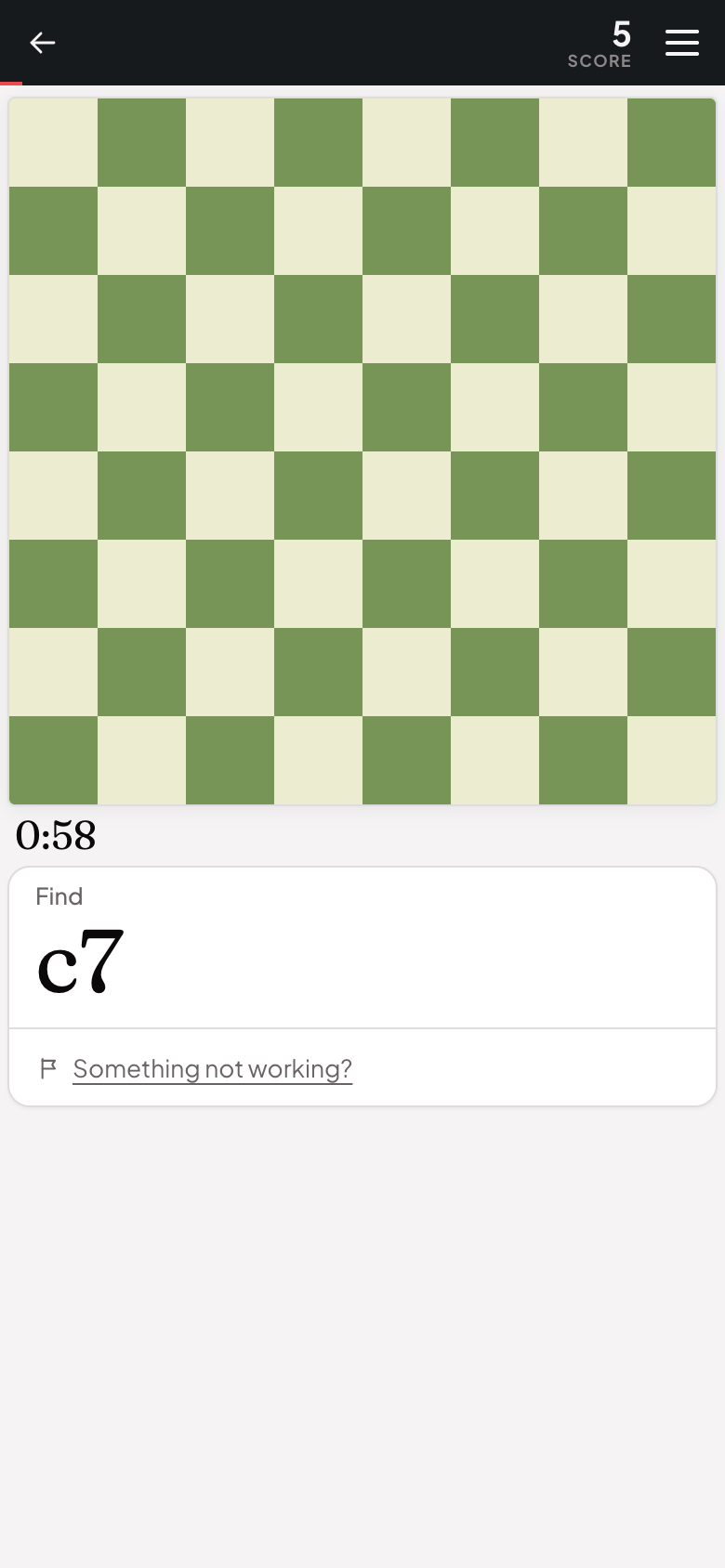
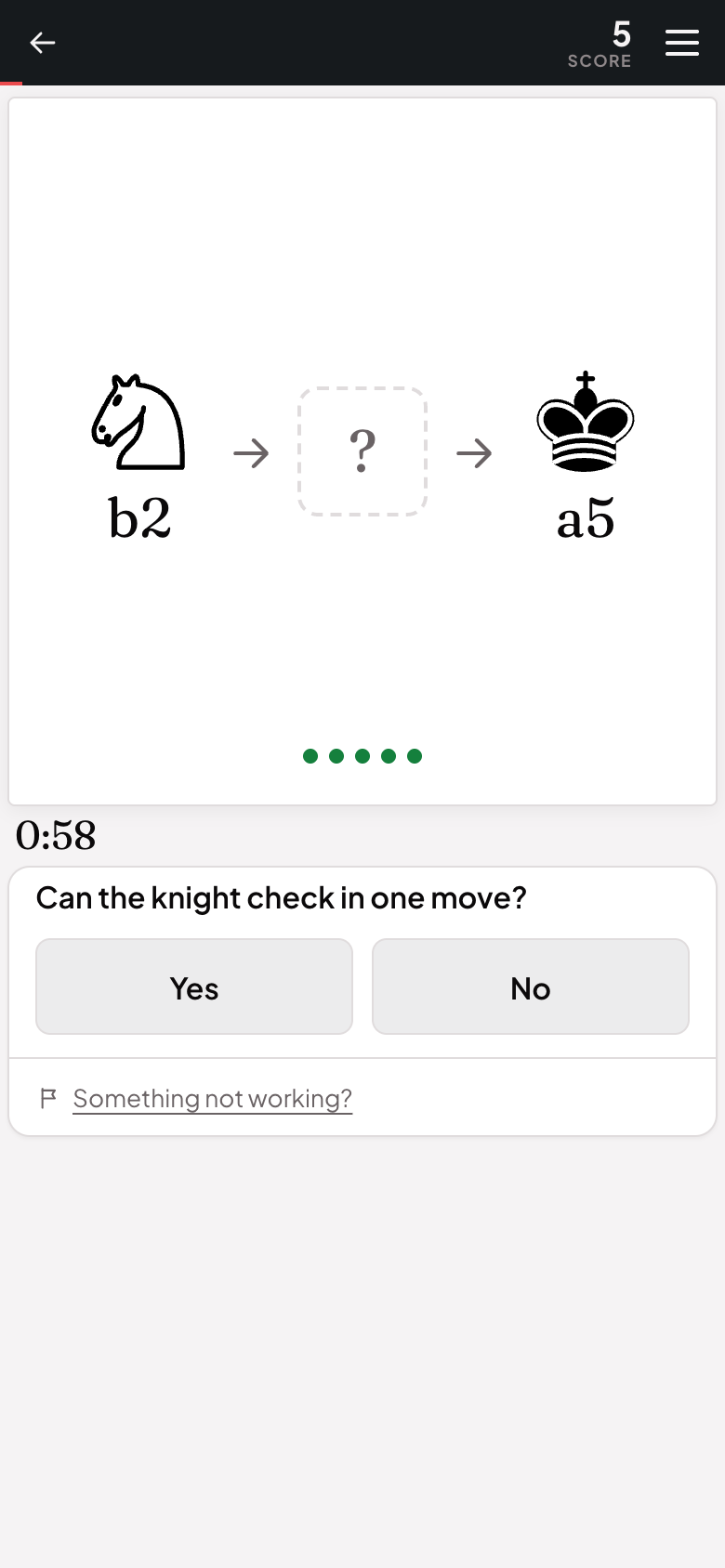
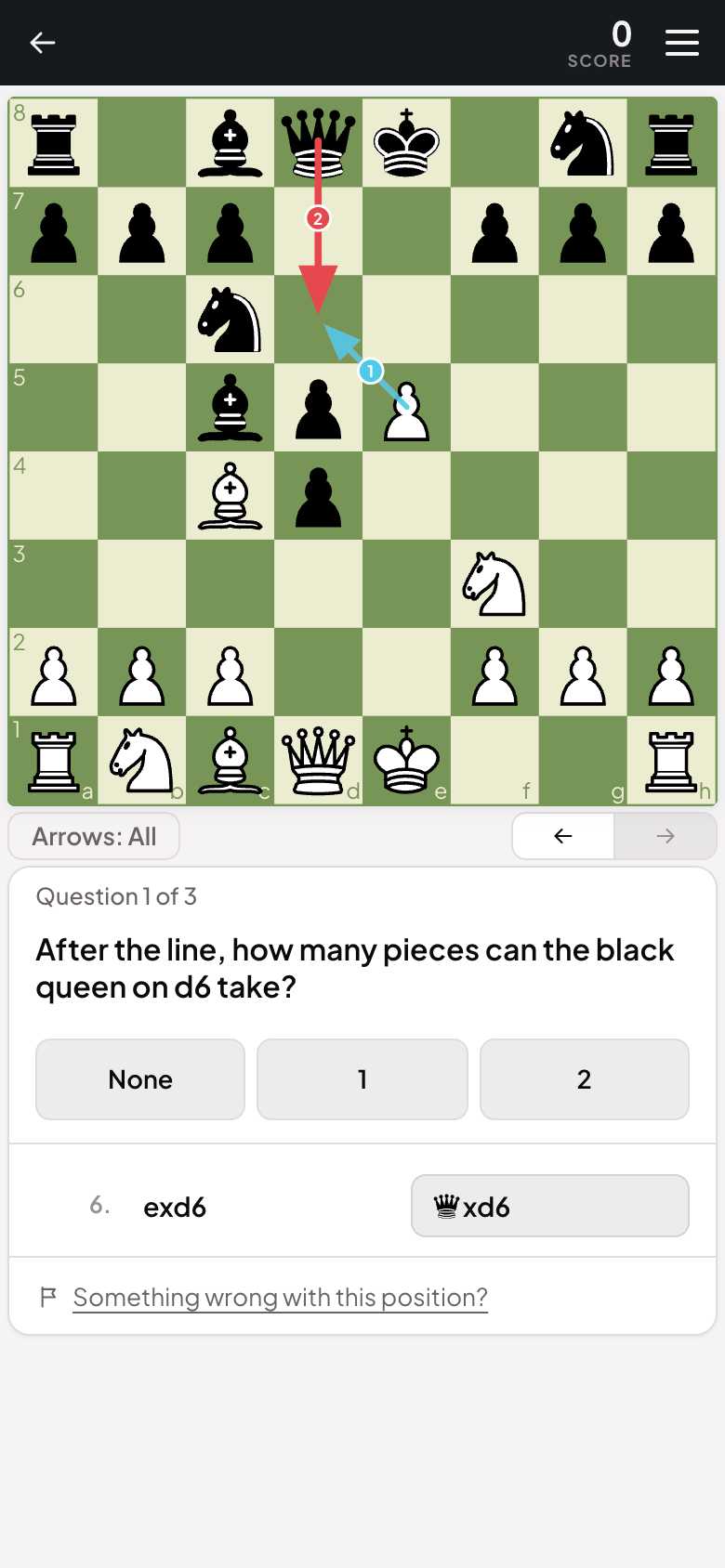
Full calculation mode takes one position through four steps (tactic, candidate moves, calculation, evaluation). You can calculate just the main line or the whole calculation tree, and every line is checked at the end.
Stop losing games to moves you didn’t calculate.
In our count of 50,000 online games, 61 of every 100 losses turned on a tactic.
Start free